See it in action
Swipe or click to browse screenshots from the app.
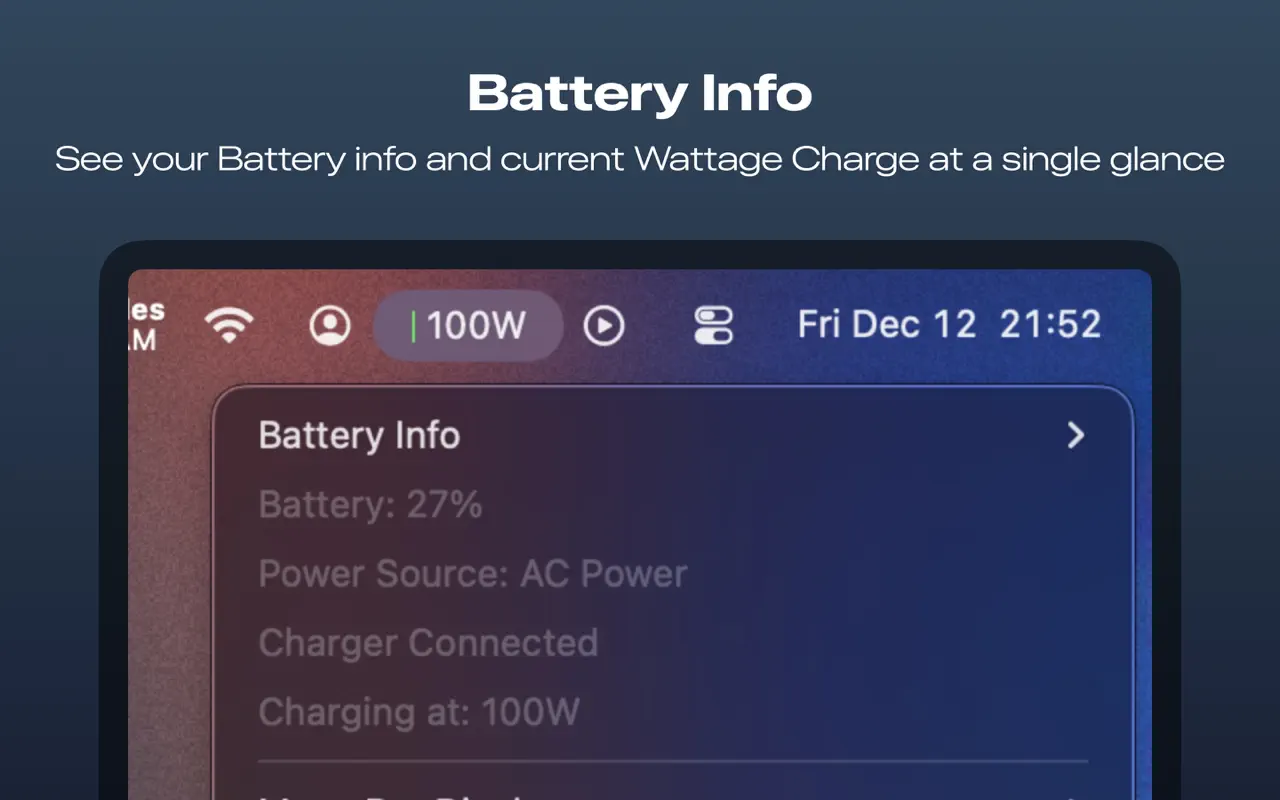
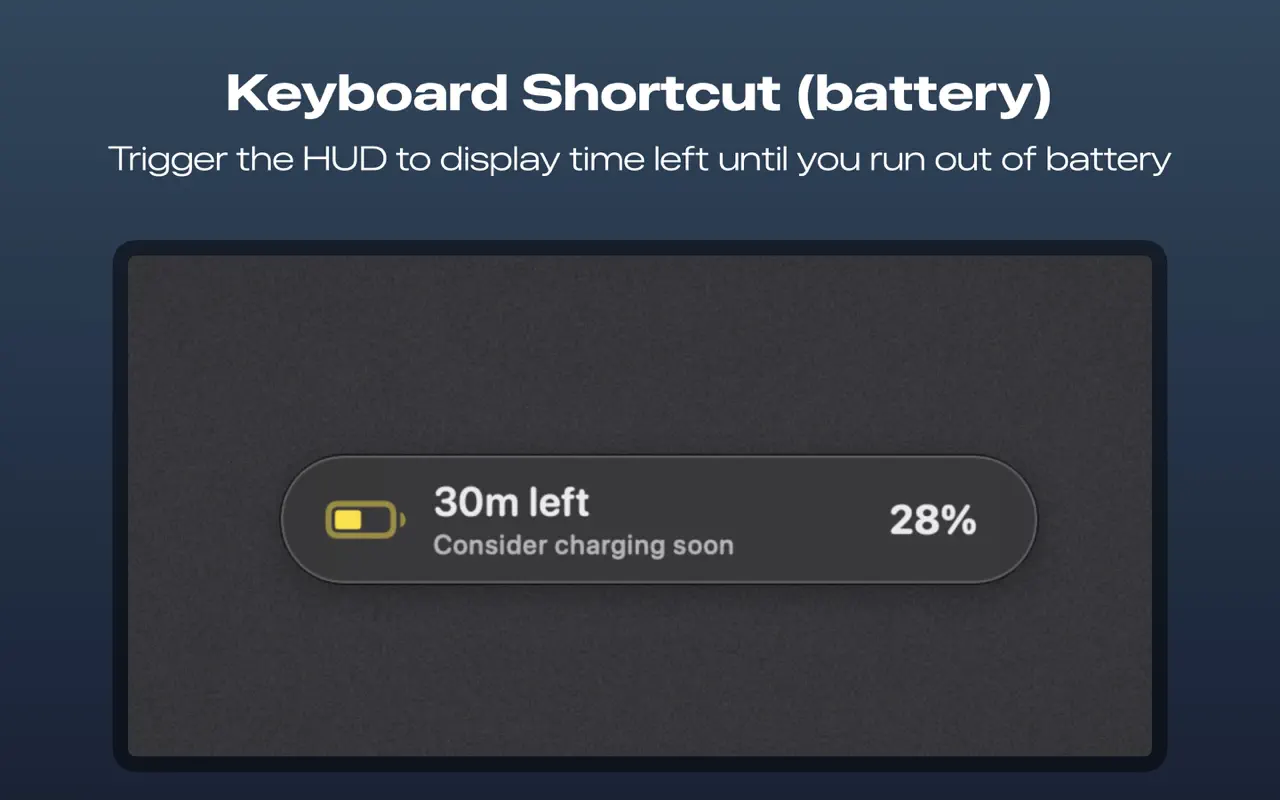
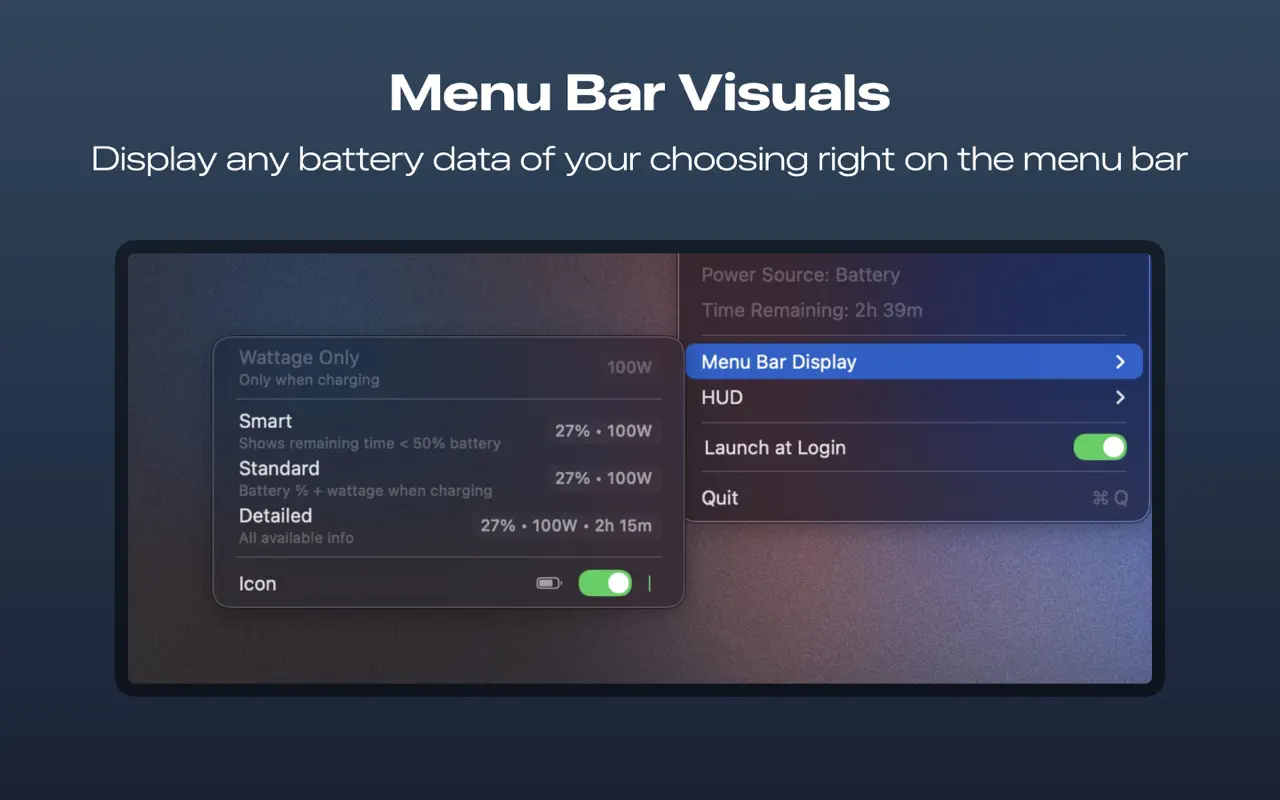
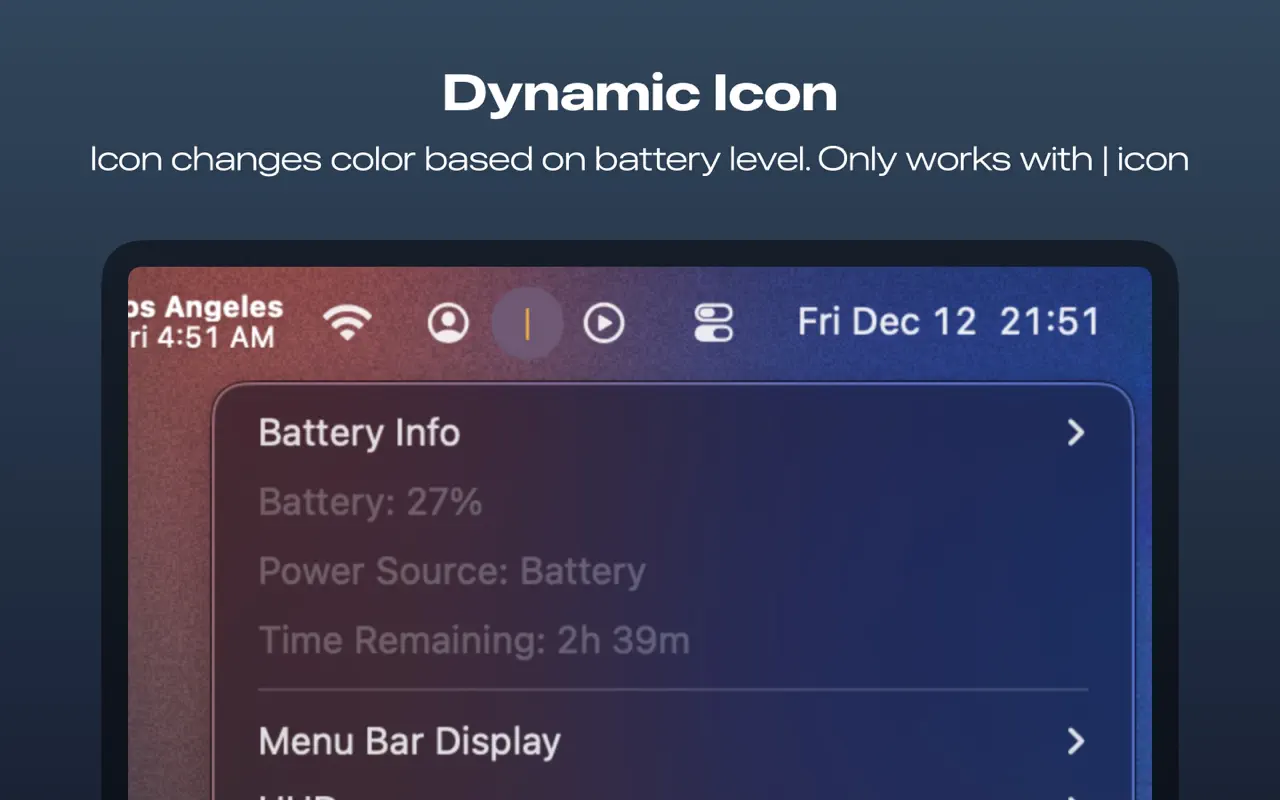
macOS doesn't show your charging wattage. Your laptop won't tell you if your charger is delivering full power. Whattage fixes that.
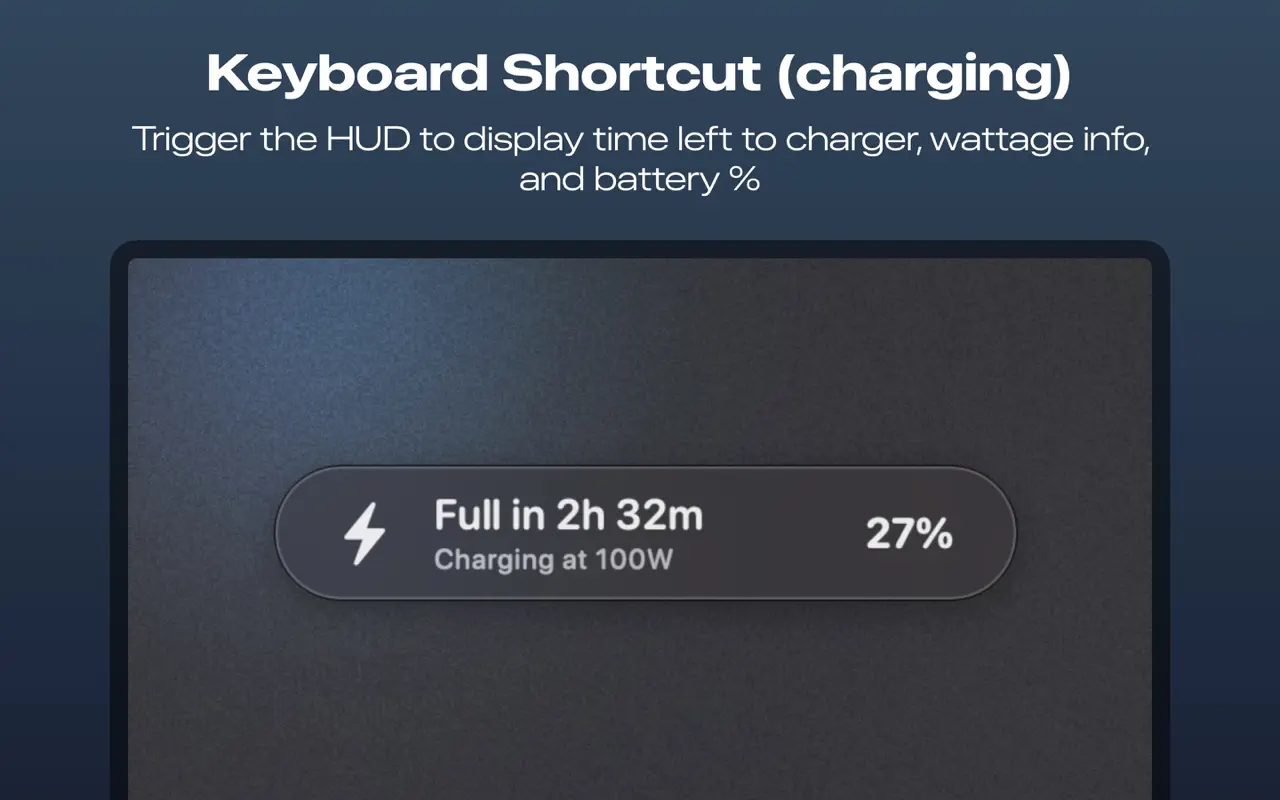
A tiny menu bar app that shows real-time wattage, battery health, and charge time — all in under 300 KB.
macOS 14.0+ · Native Swift · No ads, no tracking
Interactive demo — actual UI and design may change due to updates.
Swipe or click to browse screenshots from the app.
Built with native Swift. Zero background impact.
Know if your charger is delivering full power the moment you plug in. Spot bad cables and underpowered adapters immediately.
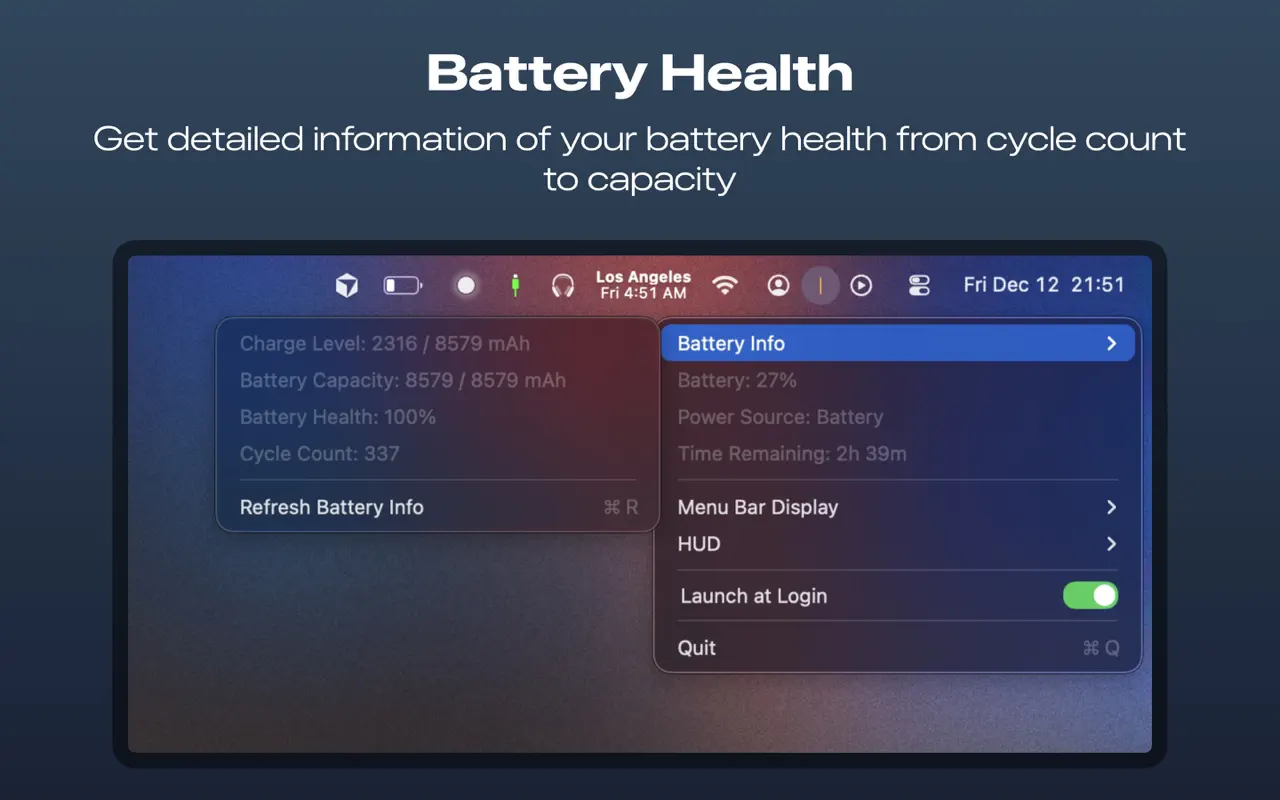
See your actual battery capacity, cycle count, and health percentage. Know when it's time for a replacement before it's too late.
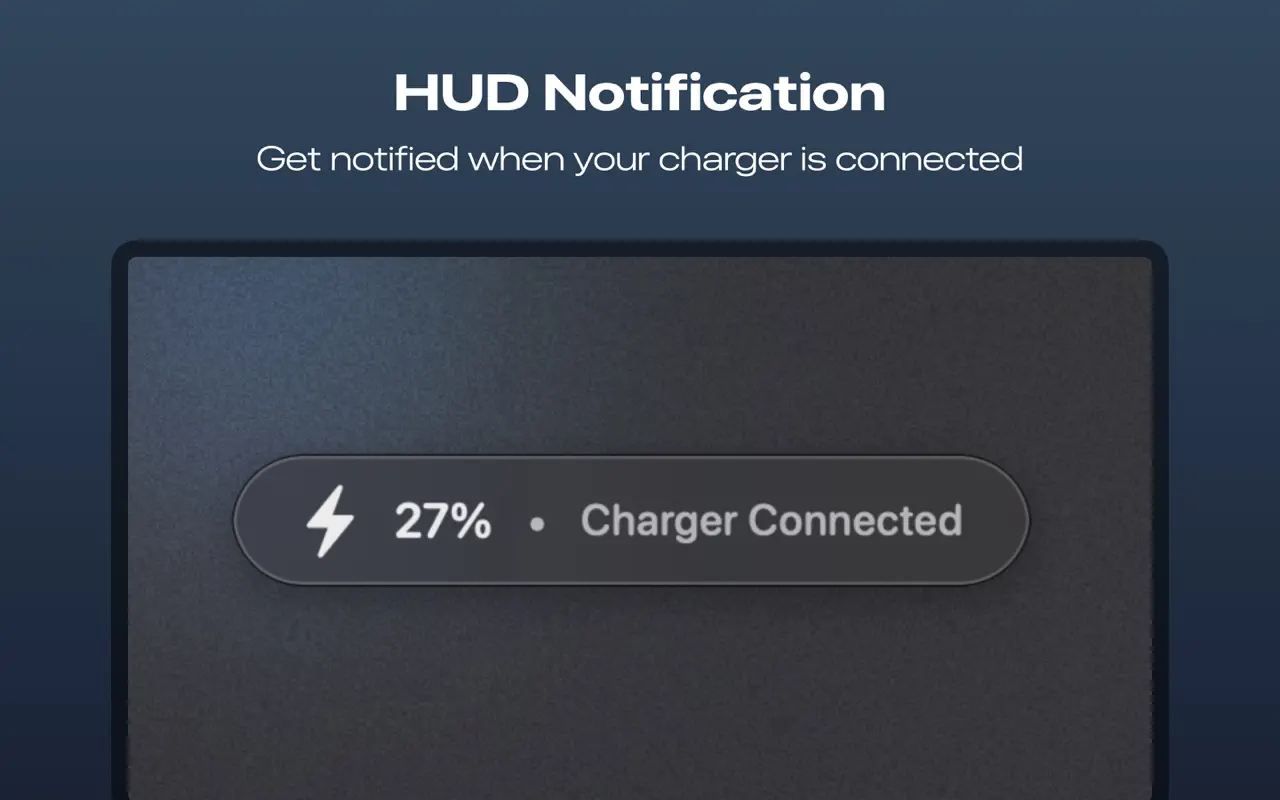
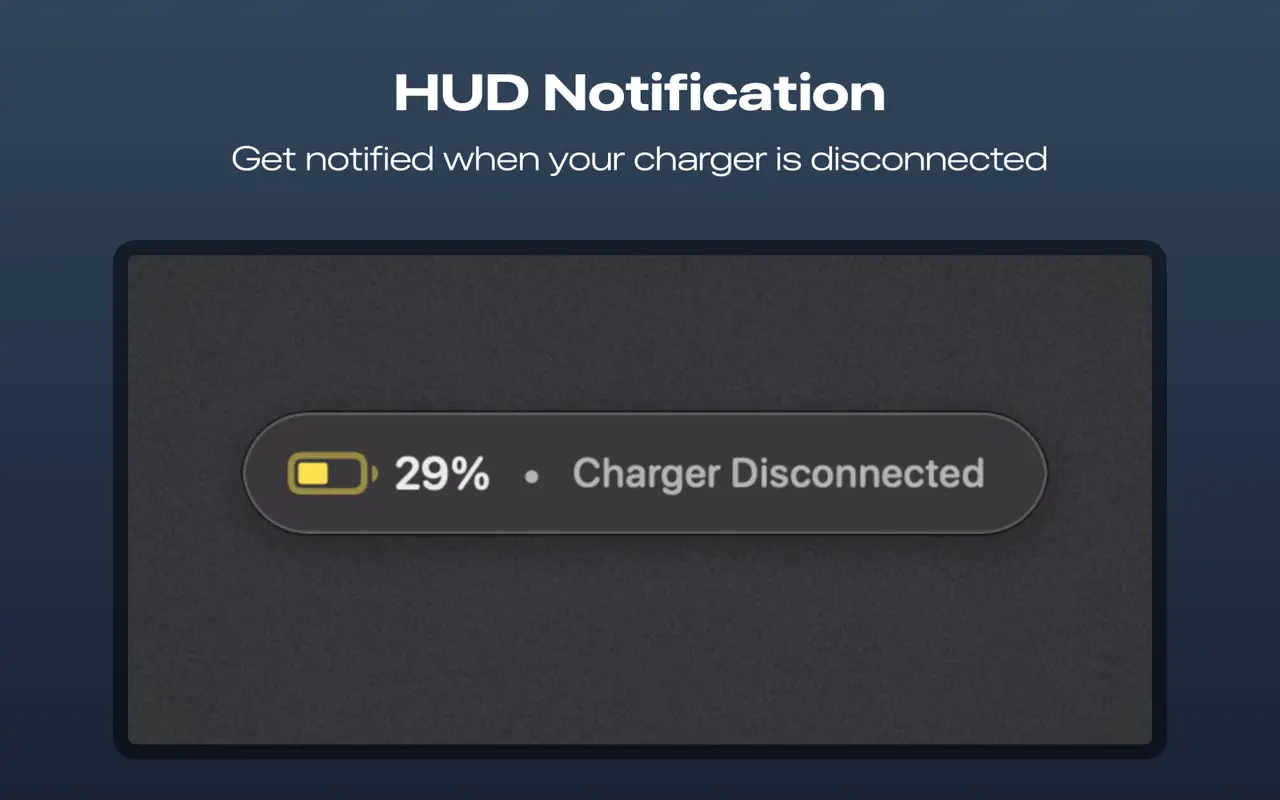
Get a quiet HUD notification when charging completes or your charger disconnects. No more checking manually.
Under 300 KB. No data collected. No servers. No subscriptions. Just a native Mac app that stays out of your way.
Private, lightweight, and ready in seconds. No account required.
Download on the Mac App Store